What you need
- Windows 10/11 x64 on a single system.
- Installed and working DTS Monaco 9.xx with projects.
- Stable internet connection during the whole workflow.
- You should have SecOc, we don't provide it!!!
Tip: temporarily disable aggressive antivirus rules if they block local services.
How it works (step-by-step)
What does MB-CertManager give me?
MB-CertManager help you flashing, reversing date and coding new certified cars, or rather blocks on such cars as 206, 223, 254, 294, 295, 296, 297, all certificate needed cars.
MB-CertManager is intended for lawful, authorized use only. The customer is responsible for ensuring that any coding, flashing, configuration, or vehicle-related work is permitted under applicable laws, manufacturer rules, and the customer’s own authorization rights.
Purchase & get the program
After payment, you receive an activation key and a download link. The timer starts after first activation.
Download & launch
Download the Star3 client from the provided link. Run as administrator if prompted.
Activation
On the first launch, the Star3 client will ask for an activation key. Paste the key and click “Activate”.
Use Star3 features
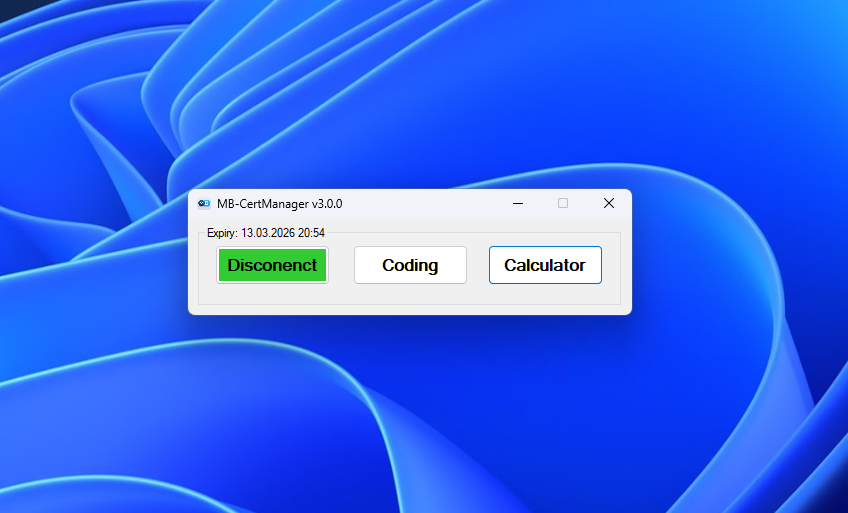
- Connect to After-Sales Enhanced server in program.
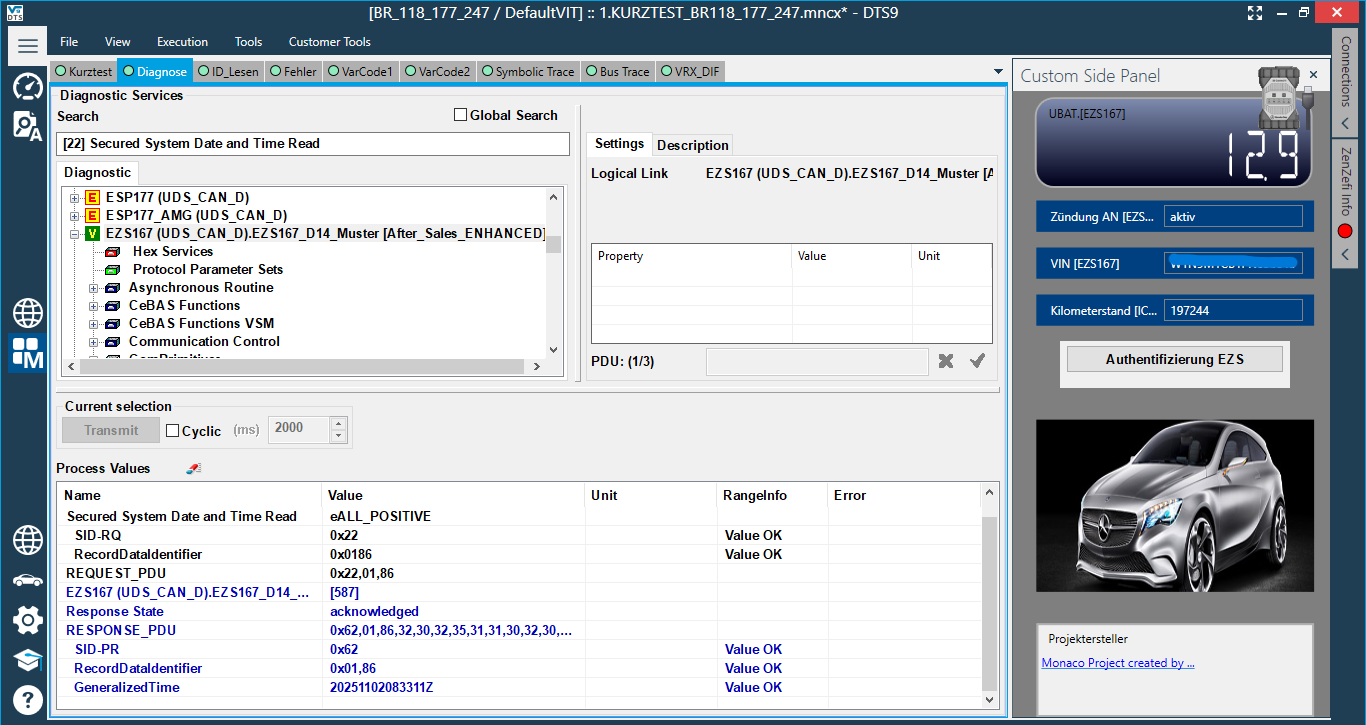
- Connect to the desired vehicle using the DTS 9 program.
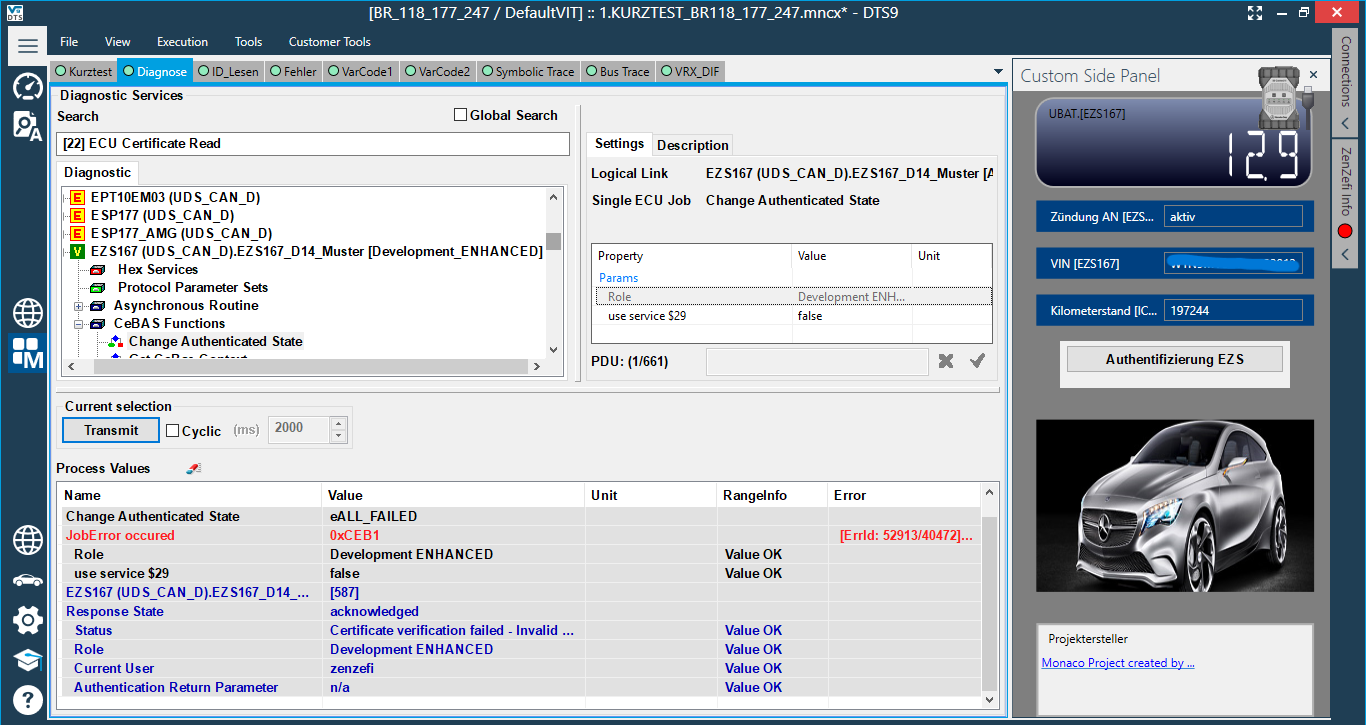
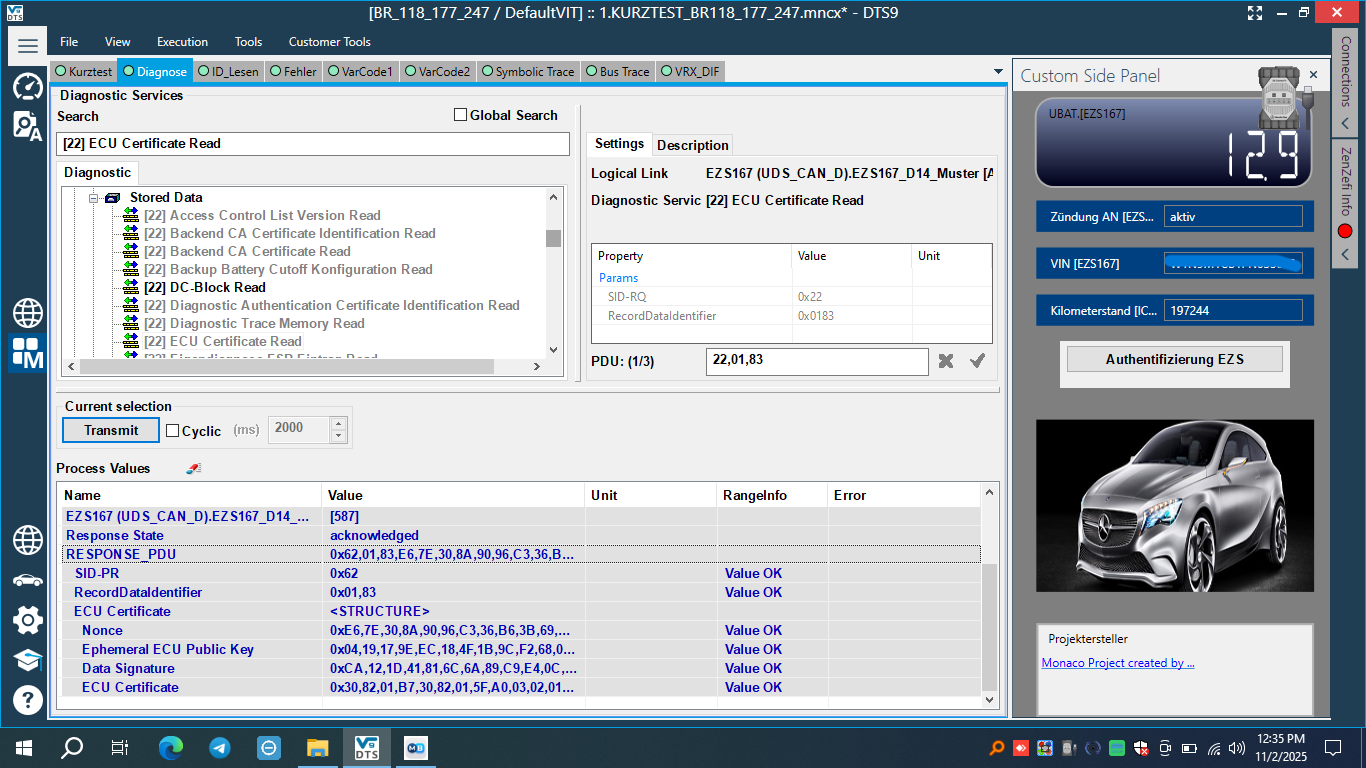
- Run: ECU Certificate Read or send HEX command 22,01,83.
- You should get a RESPONSE_PDU, staring with 62,01,83.
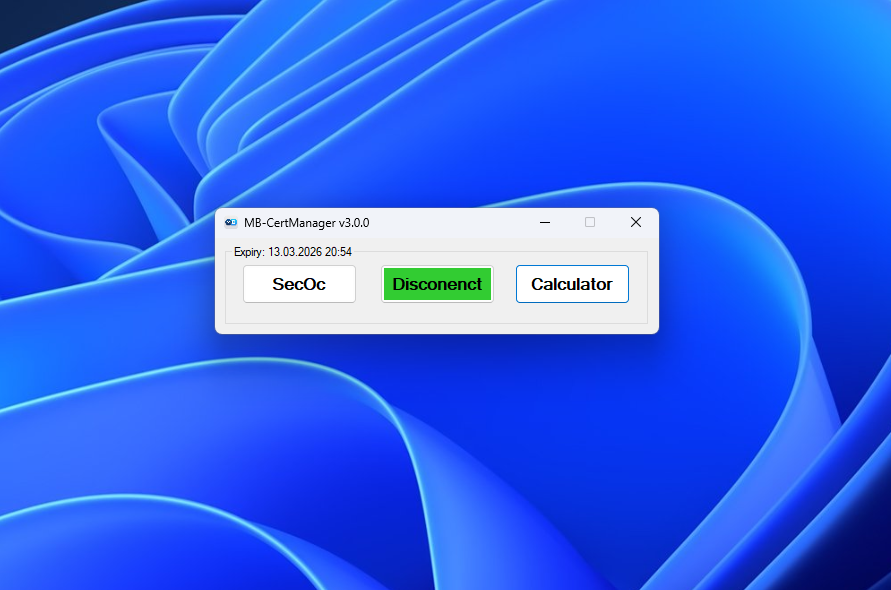
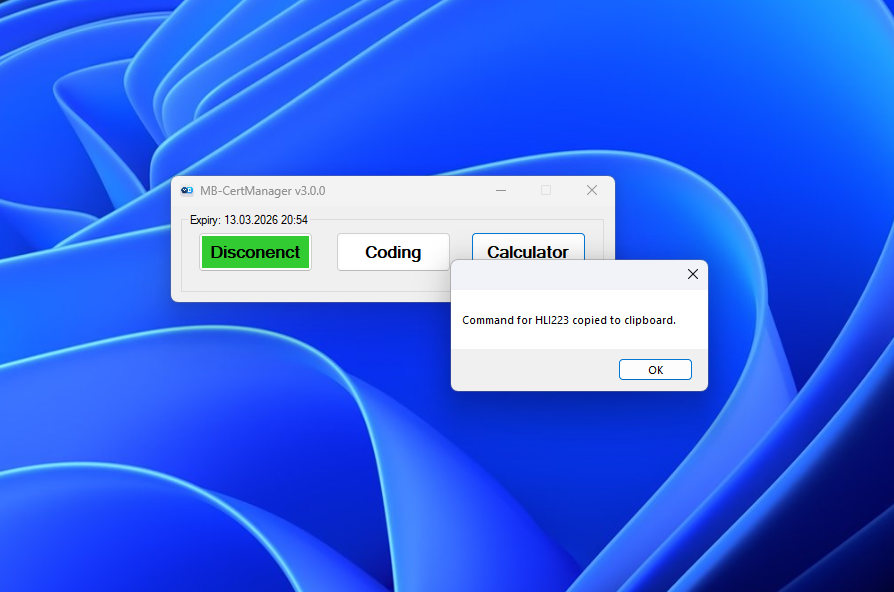
- Copy the ECU response from the previous step and click Calculate button.
- After a few seconds (5-20), the reverse command will be generated and copied to the clipboard.
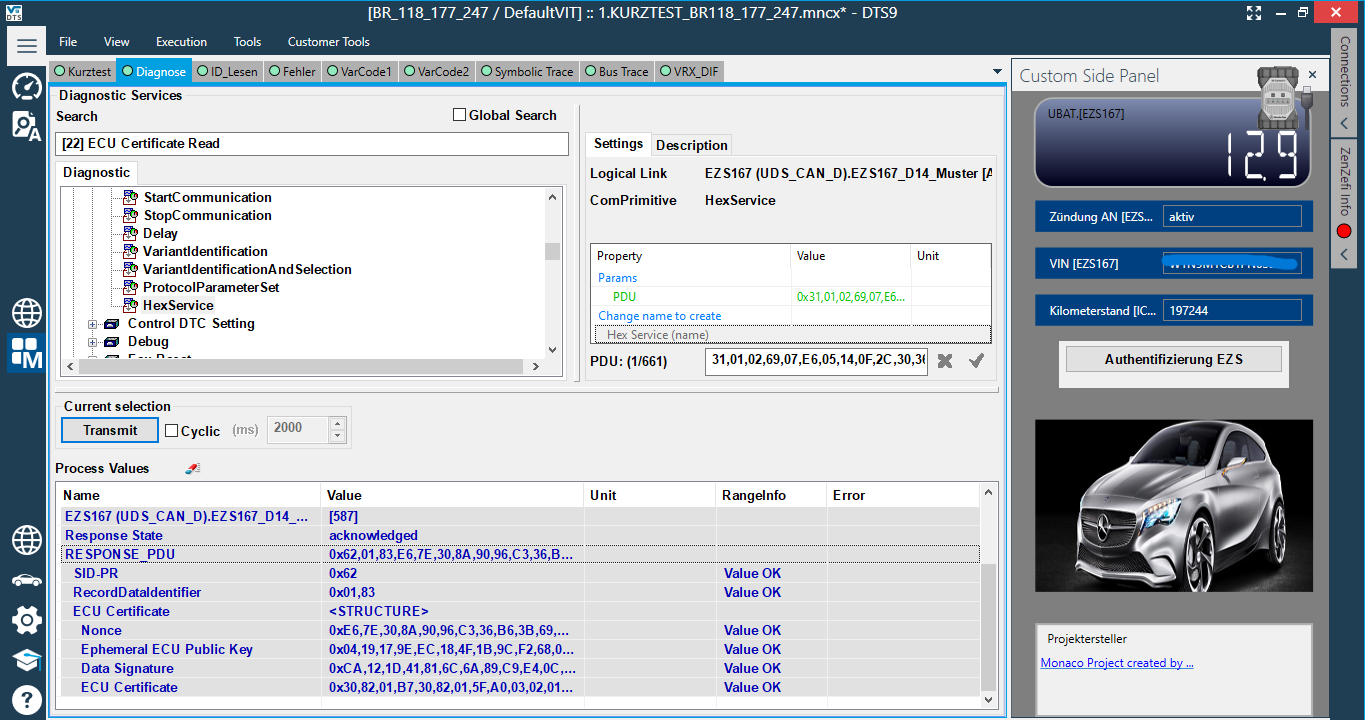
- Switch back to DTS and send the generated text as a HEX command (HexService).
- Disconnect from After-Sales Enhanced server and connect to Development Enhanced server.
- Ready, do your coding job.
- After finish, need to do SecOc. We are not drovide SecOc service!!!
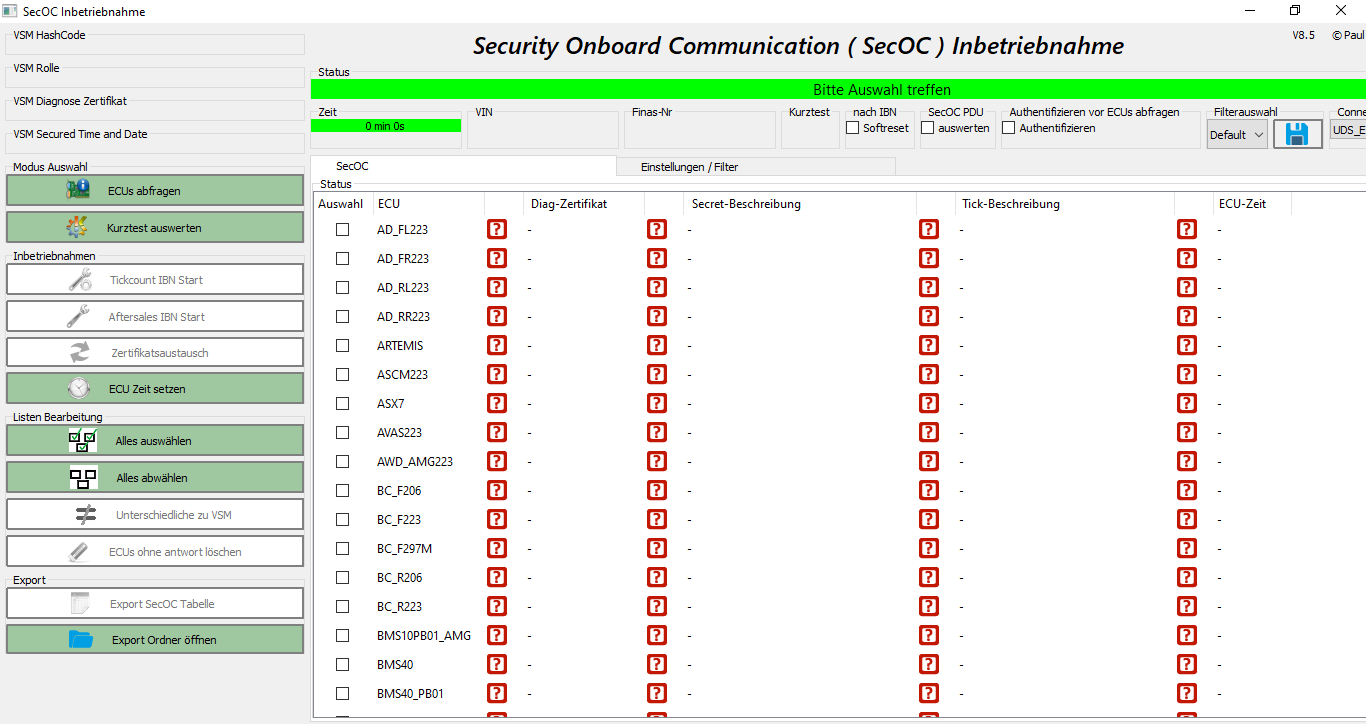
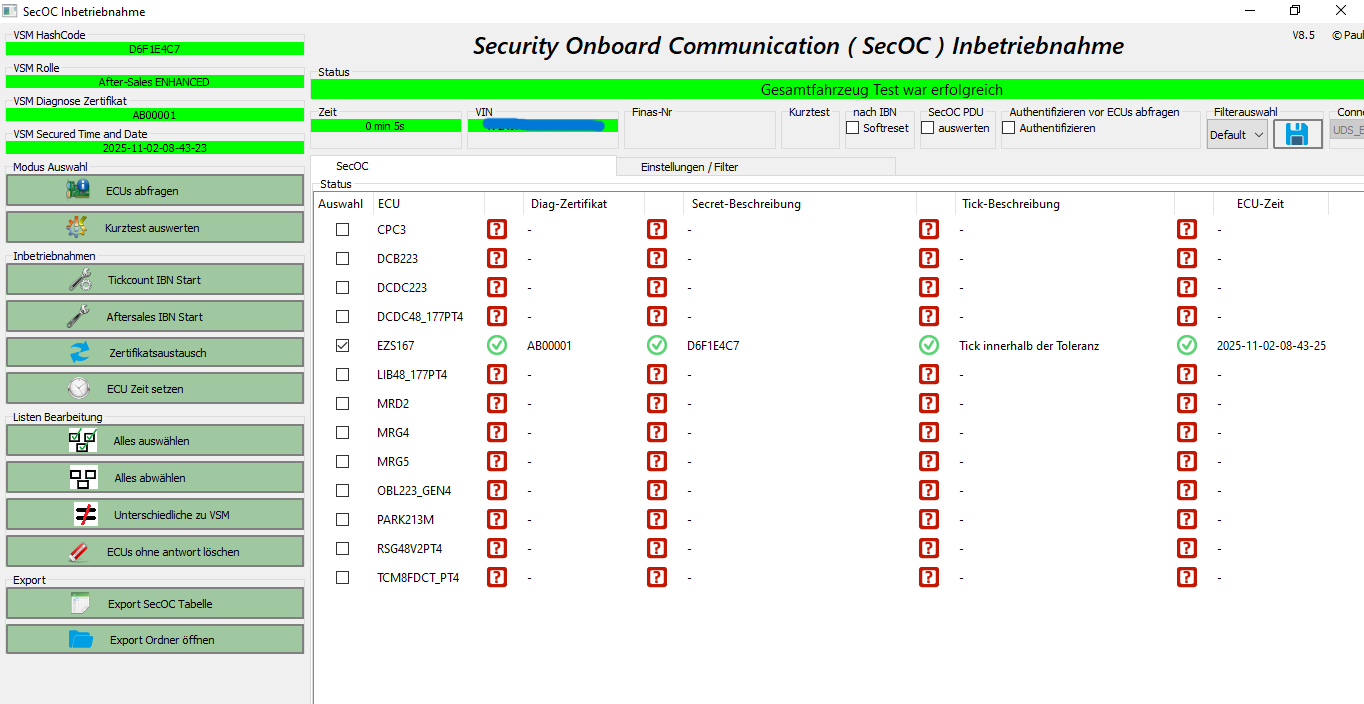
- Open SecOc project, select needed ECU and make SecOc (security onboard communication):
-- Select needed ECU
-- Press ECUs abfragen
-- Press Aftersales IBN Start
Extend or renew
When the activation time ends, purchase another activation key and re-activate the program.
Screenshots
FAQ
Timer start — when exactly?
At the moment of successful activation on your device (first run), not at the time of payment.
Can I move to another PC?
Access is locked to one system at first run. To use another PC, you’ll need to purchase a new activation key or contact the support team.
Can I do remote job with this program?
Sure you can, in this case you should just run program and activate it with activation key on remote laptop!
The program doesn’t start or doesn’t work
The program requires an active internet connection to our server. If your network blocks the connection, try a different network or a VPN.
Port is already in use
Close conflicting apps (VPN/proxy), or reconfigure the Star3 port, then retry.
Antivirus flags the app
Add Star3 to exceptions or temporarily relax rules during working progress.
Can i have coding certificate for W223?
Yes, MB-CertManager give you coding, flash and time certificate for coding and flashing any certificate based car.
Can i change codings on EZS223?
Yes, tool gives you this opportunity, but you must know how to use it!
If you don't know, so you can buy solution/instruction with different price, write Telegram for that.